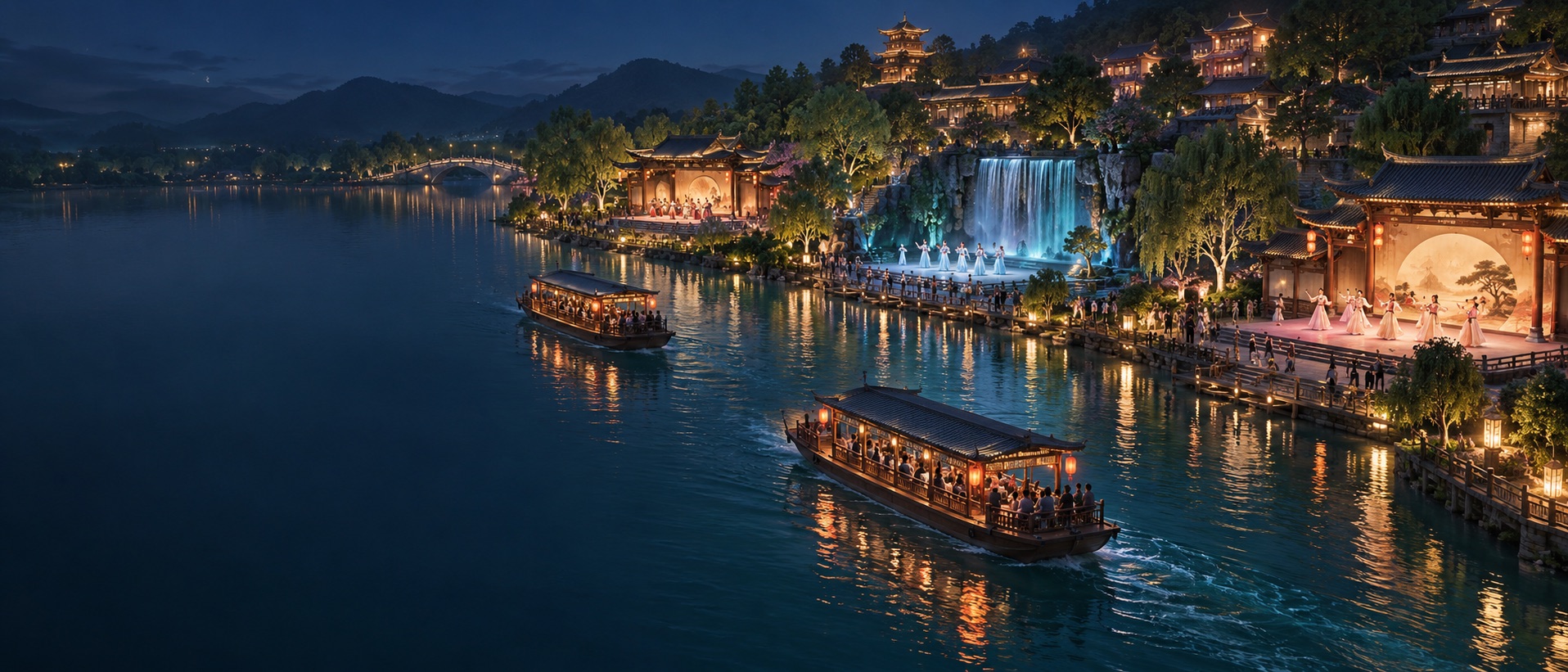
Concept scene of two boats passing waterfront performance areas

Zone-based audio applications · Parade shows

Music and lighting
in step withevery parade

Position-based parade show control

Define performance areas in the system and identify the actual positions of boats, floats and performance groups. Trigger music, lighting and other show equipment according to the route, area and direction of travel.

Multiple performance areasIndividual target settingsOne-way and round-trip routes
Boat parade show · Concept scene

Position connects the show

Let arrival guide the show,
area by area.

Parade shows unfold in motion. Boats pass waterfront scenes, floats enter themed performance areas, and groups move through successive settings. Music and lighting need to follow where each target actually arrives.

Surround Sound links positioning tags, performance areas, route order and equipment actions. Each target has its own position and route progress, with commands sent when it reaches the designated performance area.

This parade application extends our zone-based audio solutions. We work with venue operators, show planners and system integrators on positioning coverage, area configuration and equipment control.

Three parade formats, one clear control approach

From boats to floats and performance groups

Plan positioning coverage and areas around the actual performers and vehicles, connecting moving shows with the scenes along the route.

Concept scene of boats with waterfront music and lighting
Concept scene
01 / Boat parades

Scenic boat shows

Connect the water route with performance locations along the shore. When a boat reaches Performance Area A, B or C, it triggers the selected music, lighting or media, bringing waterfront scenes into step with its actual arrival.

Each boat is linked to a positioning tag and has its own position and route progress. Configure actions around the programme for scenic boat shows and night tours.
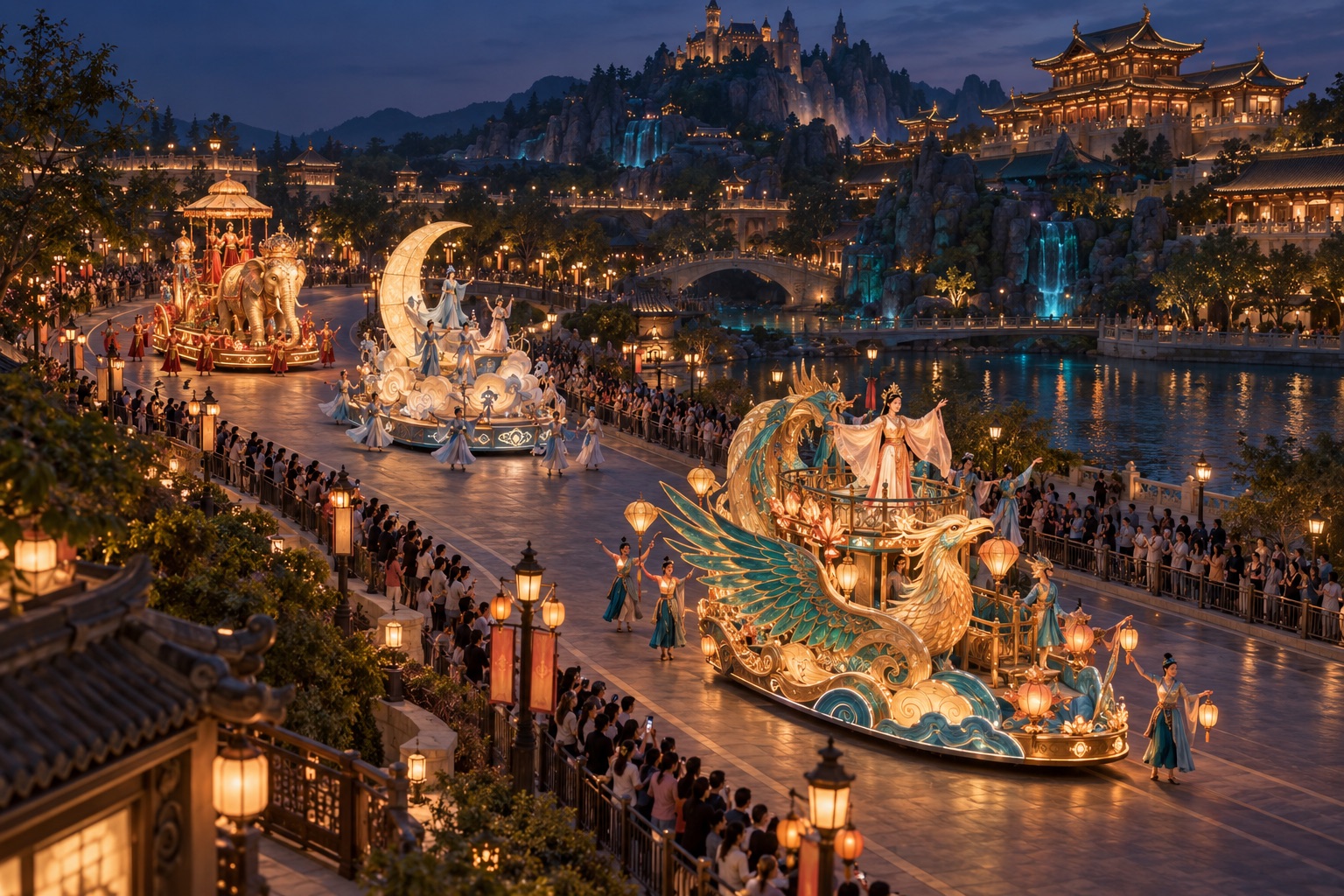
Concept scene of parade floats passing successive performance areas
Concept scene
02 / Float parades

Themed float shows

Floats move along the route in sequence. At the same performance area, each float can trigger music and lighting for its own theme, extending its programme into the surrounding scene.

Define areas around the vehicle route, tag placement and road conditions. Update the settings when the programme changes, then check the results during rehearsal.

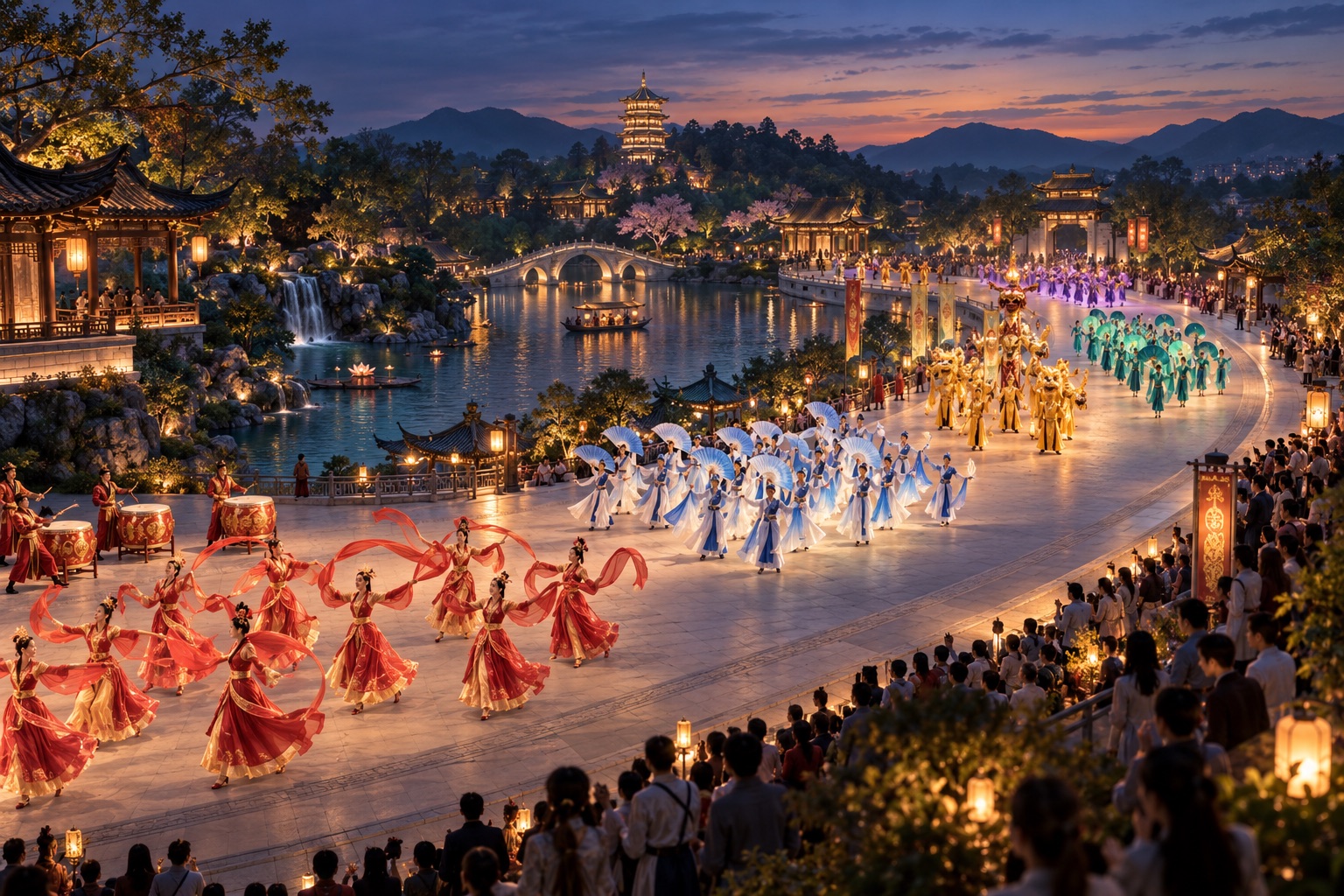
Concept scene of performance groups moving along a parade route
Concept scene
03 / Performance groups

Multiple performance groups

Groups enter performance areas in sequence. Linked tags identify each group so its music, lighting and programme actions follow its own route progress.

For longer groups, arrange the tags used for entry and departure around the formation and show requirements. A single position should not represent the entire group having passed through.

Parade control demo

The boat arrives. The scene begins.

Three boats pass through Performance Areas A, B and C, pause inside Area C, then return and pass completely through Area A. Music and lighting follow their arrival.

Boat paradeArea-based music and lighting controlAutomatic loop
Boats reach performance areas and trigger music and lighting Three boats automatically travel through Performance Areas A, B and C and return. Arrival at the next area confirms departure from the previous area, then starts the next scene. Performance Area ATheme music · Lighting scene Waiting for boats Performance Area BScene music · Lighting scene Waiting for boats Performance Area CTheme show · Equipment control Waiting for boats Outbound A → B → C · Return C → B → A

Swipe to see the full performance route

Now happening

Boats approaching Performance Area A

Music and lighting begin on arrival.

  1. Boats are approaching the performance areas.

Three boats, individual progress

The parade follows the configured area order. Arrival at the designated next area confirms departure from the previous area before triggering entry into the next one. A one-way route has no automatic departure action at its final area. This demo explains control relationships; it does not specify positioning accuracy, equipment response time or audio synchronization.

Configure around the programme

Plan performance areas and routes together

Connect trigger positions, travel order, relevant tags and show content in one clear plan.

01 / Define performance areas

A scene for each area

Define Performance Areas A, B, C and others on the system map, with names and boundaries for each. You can also name areas after the actual programme to keep planning and on-site communication clear.

Set boundaries around positioning coverage, the route, viewing locations and tag placement. When a scene moves, update the area settings and confirm the trigger positions during rehearsal.

02 / Arrange the route

Connect areas in show order

Arrange performance areas in the order they are visited, assign participating tags and choose a one-way or round-trip route. Each tag advances independently, and actions occur only when it reaches the designated next area.

Arrange performance areas in sequence without overlap. The number of areas and route length depend on the site; the three areas in this demo are illustrative.

03 / Configure show actions

Plan entry and departure separately

Configure actions for area entry, departure or both. An action can apply to every tag on the route or only to selected tags.

Departure from an area is confirmed by arrival at the next one, so plan area spacing and departure actions together. For a one-way route, place the ending content in the final area's entry action.

Example area settings

A, B and C: different parts of the show

The same area can trigger different actions for different targets and directions.

Example performance areas and associated content
Performance areaProgrammeExample actions
Performance Area AFirst themed sceneTheme music and the selected lighting scene
Performance Area BSecond sceneArea music and scene equipment actions
Performance Area CFinal themed sceneShow music and the ending scene

Each target advances independently

The same area,
different show content

Multiple boats, floats or groups can travel along the same route in sequence. Their linked tags identify individual positions and progress, allowing each target to trigger its own actions.

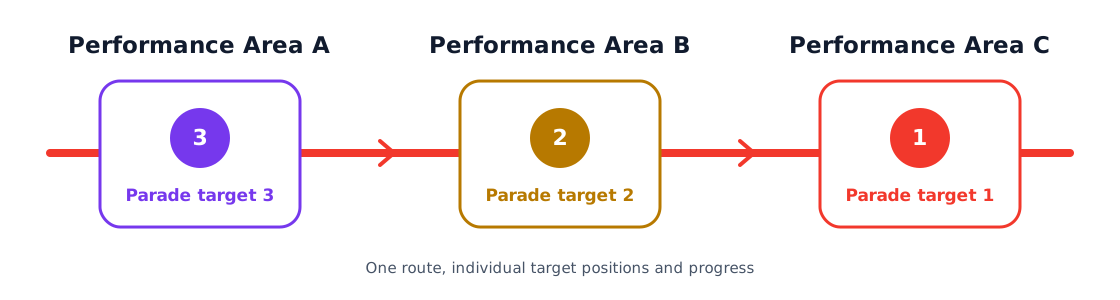
Three parade targets in Performance Areas A, B and C, each with independent route progress

Parade target 1

Arrives at Area B and triggers the first set of theme music and lighting actions.

Parade target 2

Arrives at Area B later and triggers its own second set of content.

Parade target 3

Follows its own route progress and triggers the third set of show actions.

These are configuration examples. When multiple targets use the same equipment, plan the timing, area coverage and equipment control capabilities around the programme.

Plan outbound and return content separately

More show content on the same route

Use the same actions in both directions or configure separate music, lighting and equipment commands for the outbound and return journeys.

One-way parade

A show in route order

A→B→C

For a parade that starts at the first performance area, visits each area and ends at the last. Entry into the final area completes the one-way route. Passing the intermediate areas on the way back does not automatically trigger that route's show actions.

Round-trip parade

A different programme on the return

A→B→C→B→A

For shows that perform on the outward journey and again on the return. The same area can have different actions for each direction. A round-trip route can also begin at its final area and travel in reverse.

Example: Performance Area B

Outbound entry

Theme music 1 · Lighting scene 1

Return entry

Theme music 2 · Lighting scene 2

Direction selects the action content; entry and departure determine when it is triggered. Configure them separately and replace the example programme names with your actual show content.

Connect position with equipment

Turn arrival into show actions

Position provides the trigger. Music, lighting and media equipment execute their selected content through the agreed control interfaces.

Music control

Send commands to music playback or audio control equipment according to the target, performance area and direction. Different groups or boats can have their own music content.

Lighting scene control

Trigger the selected lighting scene or show programme when a target reaches an area. Select content by direction and tag settings.

Media control

Use the interfaces supported by your media equipment to trigger the selected visuals or programme content as targets reach scenes along the route.

Show equipment integration

Check equipment models, control interfaces and operating requirements to establish the available actions. Other show equipment is included according to on-site safety requirements and the project design.

Need synchronized audio on boats, floats and along the route?

Triggering playback on arrival and keeping multiple sound systems strictly synchronized are different requirements. If onboard and route-side audio must play in sync, design the playback control, network and audio system together, with a defined synchronization method and acceptance criteria.

System components

From positioning tags to the show

Choose equipment around route coverage, target numbers and the existing show system.

  1. 01

    Positioning tags

    Identify boats, floats or groups. Tag placement and mounting depend on the target and site conditions.

  2. 02

    Positioning infrastructure

    Cover the parade route and locate each target. Plan around shorelines, roads, obstructions and power availability.

  3. 03

    Parade control system

    Manage performance areas, route order, participating tags, travel directions and equipment actions.

  4. 04

    Show equipment

    Receive the configured commands and play music, lighting scenes or media content.

Adjust the show more easily

Move trigger areas with the programme

Adjust performance areas and settings within positioning coverage, reducing dependence on fixed ground trigger points.

Parades using fixed ground signals are usually planned around installed trigger points. Position-based control uses the target's location and performance areas defined in the system. When scenes, route order or return content change, update the settings and check them in a joint rehearsal.

Comparison of fixed ground triggers and position-based area control
Project planningFixed ground triggersPosition-based area control
Trigger positionDepends on installed signal trigger pointsDefine performance areas in the system
Position changesMay require changes to on-site trigger infrastructureUpdate area settings within positioning coverage
Route organizationPlanned around fixed trigger pointsConnect performance areas in route order
Targets and directionsDepends on the original system's identification and configuration capabilitiesConfigure actions by tag, area and travel direction
On-site installationInstall fixed trigger infrastructureDeploy positioning, power and necessary communications

Position-based control still requires on-site equipment. Whether existing equipment can be retained, and the installation and integration scope, depend on the site survey and interface checks.

Monitoring and rehearsal

Follow parade progress,
check scene transitions

View each tag's status, current area, travel direction, next required area and most recent triggered area. Use action records to check the show sequence.

When a rehearsal or live show requires manual continuation, operators can trigger an eligible action for the selected tag, area and direction, then continue along the route.

Discuss your on-site requirements

Rehearsal priorities

  • PositionCheck tag placement, coverage and performance areas against the actual show plan.
  • SequenceCheck that different targets trigger the correct content in the required route order.
  • DirectionCheck that outbound and return music and lighting match the programme.
  • EquipmentCheck actual music, lighting and media responses against the show's requirements.

A command being sent successfully does not confirm that the receiving equipment has executed it. Joint testing checks the equipment's actual response and the show result.

Project design and delivery

Build around the complete show

Check the on-site result through requirements planning, coverage and interface design, area configuration and joint rehearsal.

  1. 01

    Show requirements

    Confirm boat, float or group numbers, the route, programme, performance areas and return journey requirements.

  2. 02

    Site survey

    Check coverage conditions, tag mounting, obstructions, power and communications.

  3. 03

    Positioning and control design

    Plan positioning infrastructure, check equipment interfaces and define the control relationships for each area.

  4. 04

    Area and action configuration

    Define areas, arrange the route, assign tags and configure entry, departure and direction-based actions.

  5. 05

    Joint rehearsal

    Check trigger positions, action order, equipment responses and scene transitions along the actual route.

  6. 06

    Training and handover

    Train operators in area changes, monitoring and on-site operation, and define equipment care and usage requirements.

What should you prepare for a project discussion?

A site or waterway plan, the route, boat / float / group numbers, performance areas, programme and return requirements, plus the models and control interfaces of existing music, lighting and media equipment.

Start with your parade route

Plan the right
parade show control solution

Tell us about your targets, route and programme. Surround Sound will help plan performance areas, action settings and equipment integration around positioning coverage and the equipment already on site.

Call 4000-800-280Contact details

System design · Equipment integration · Joint testing